100% free · No sign-up · No watermarks · No uploads
Draw on a PDF — Free
A smooth freehand pen for circling, underlining, sketching and correcting — with any color and stroke width. Plus a highlighter, right next to it.
🔒 Everything runs locally in your browser — your file is never uploaded.
How it works
- 1
Open the PDF
Drag your file onto editfreepdf.com.
- 2
Choose the pen
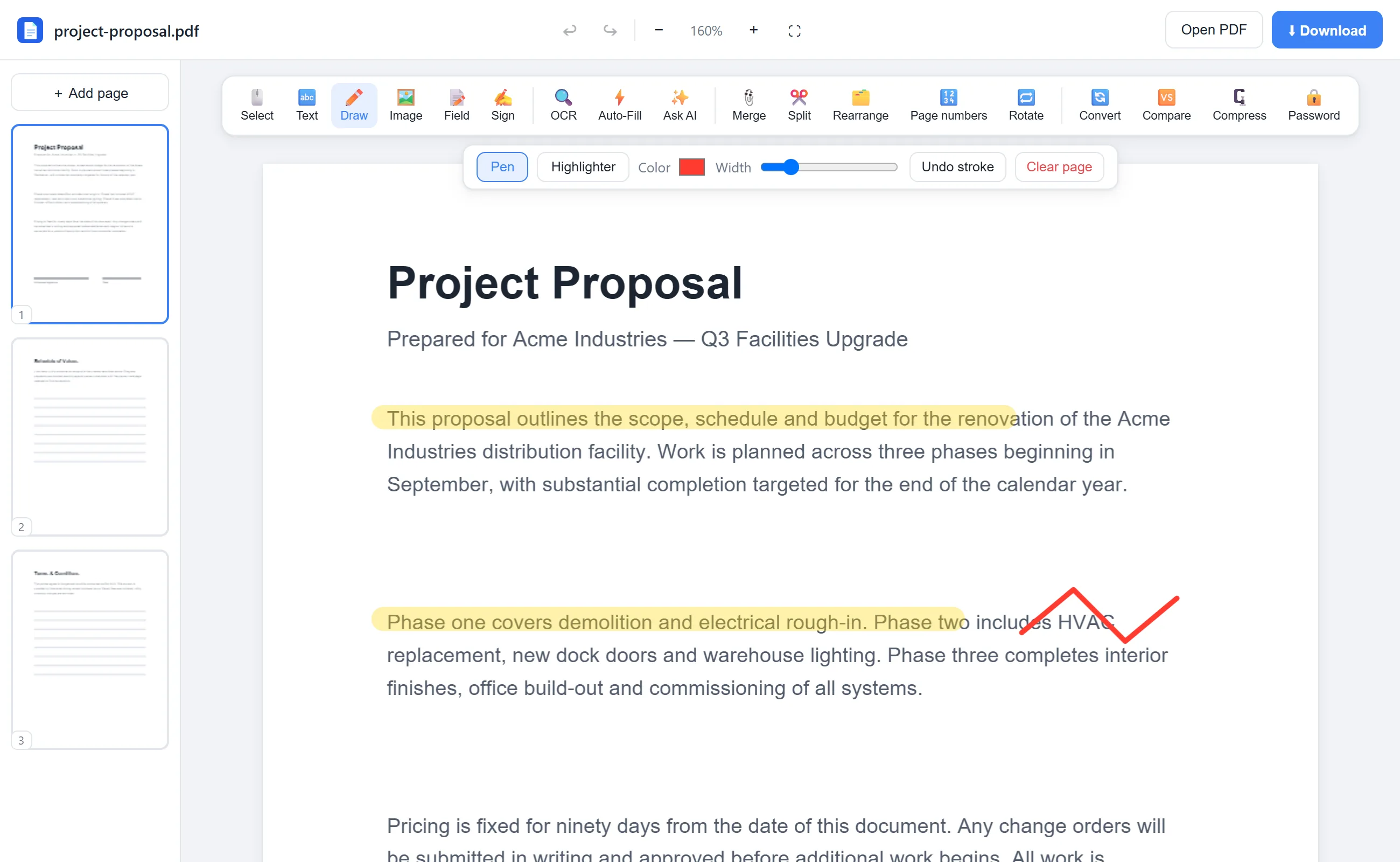
Click Draw. Pick Pen, set a color and width — thin red for corrections, thick black for sketches.
- 3
Draw and download
Draw directly on the page with your mouse, trackpad, stylus or finger, then click Download.
See it in action
The actual editor — no install, it runs right in your browser.
Why use EditFreePDF?
Natural strokes
Smooth, rounded freehand lines that follow your pointer precisely — works great with a stylus or touch screen.
Fixable
Undo individual strokes, press Ctrl+Z, or clear a whole page — nothing is permanent until you download.
Mark up anything
Circle figures in a report, correct a proof, annotate a floor plan, or sign informally with a quick scribble.
No upload
Drawing happens in your browser; the PDF never leaves your device.
Frequently asked questions
Can I draw on a PDF with my finger or stylus?
Yes — the pen tool supports touch and stylus input in mobile and tablet browsers, as well as mouse and trackpad.
Can I erase what I drew?
Before downloading, yes: undo strokes one at a time or clear the page. After downloading, the drawing is embedded in the PDF.
Is drawing on PDFs free?
Completely — like every EditFreePDF tool, with no account, no watermark and no limits.