100% free · No sign-up · No watermarks · No uploads
Convert PDF to JPG — Free
Turn every page of a PDF into a crisp JPG or PNG image. All pages download together in one ZIP, rendered at high resolution.
🔒 Everything runs locally in your browser — your file is never uploaded.
Prefer step-by-step instructions? Read how to convert pdf to jpg.
How it works
- 1
Open the PDF
Drag your PDF into the editor.
- 2
Choose JPG or PNG
Click Convert → PDF to Images and pick the format. JPG is smaller; PNG is lossless with sharp text.
- 3
Download the ZIP
Every page is rendered at 2× resolution and bundled into a single ZIP download.
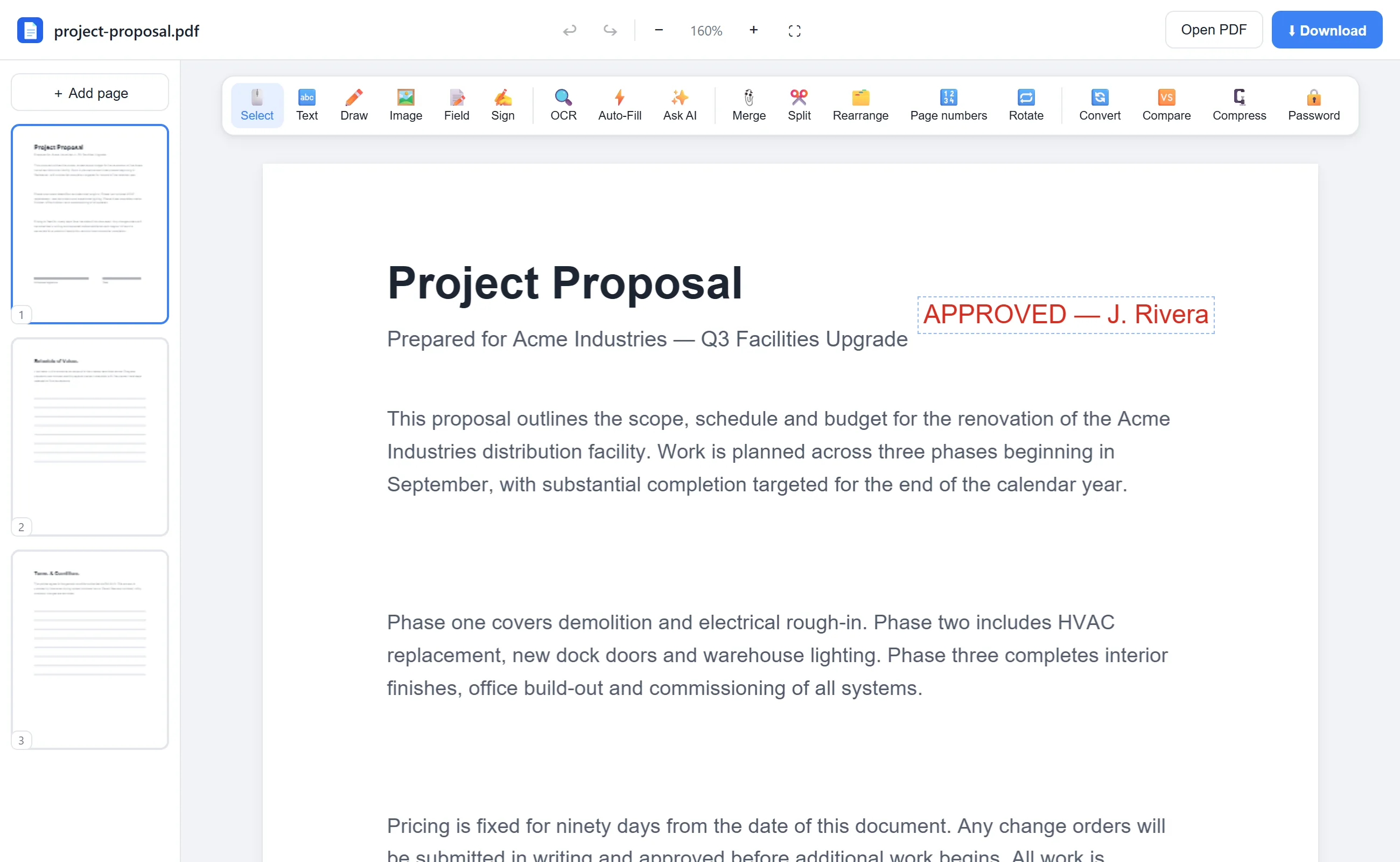
See it in action
The actual editor — no install, it runs right in your browser.
Why use EditFreePDF?
High-resolution output
Pages render at 144 DPI equivalent — sharp enough for slides, social posts and documentation.
All pages at once
No per-page clicking. One export converts the entire document into numbered image files.
Local conversion
Rendering happens in your browser — the PDF is never uploaded anywhere.
Frequently asked questions
Can I convert only certain pages?
Yes — split or extract the pages you need first (both free), then convert the result.
JPG or PNG — which should I pick?
PNG for text-heavy pages you want pixel-perfect; JPG for smaller files that are easy to share.
Is there a page limit?
No. Convert a 1-page flyer or a 300-page manual — it's free either way.