100% free · No sign-up · No watermarks · No uploads
Convert JPG to PDF — Free
Turn photos, screenshots and scanned images into a single PDF. Each JPG or PNG becomes one page, at full original quality.
🔒 Everything runs locally in your browser — your file is never uploaded.
Prefer step-by-step instructions? Read how to convert jpg to pdf.
How it works
- 1
Choose your images
Click Convert → Images to PDF and select any number of JPG or PNG files.
- 2
They become pages
Each image is placed on its own page, sized to the image — no cropping, no quality loss.
- 3
Download the PDF
One clean PDF downloads immediately. Open it back up to reorder pages, add text or sign it.
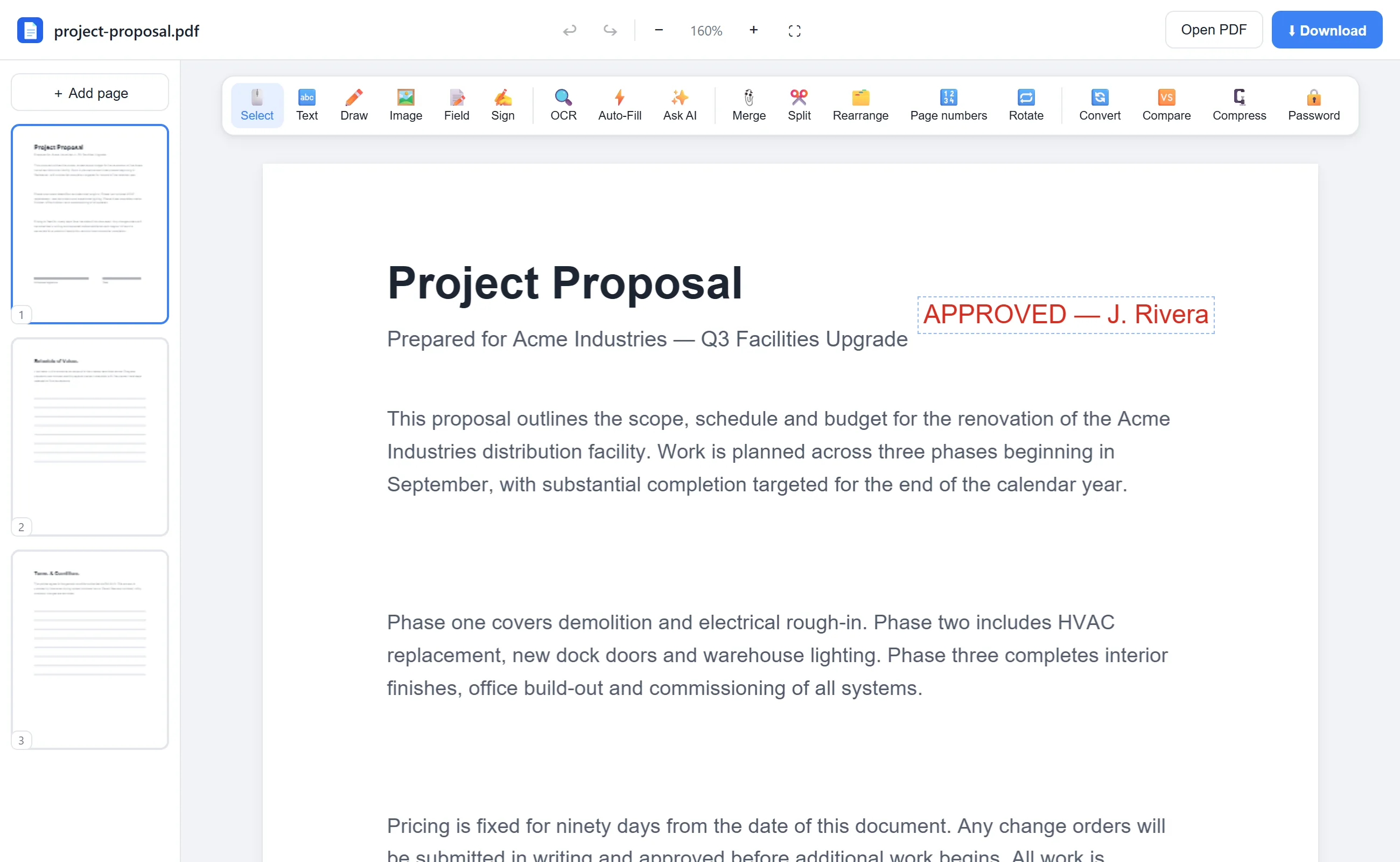
See it in action
The actual editor — no install, it runs right in your browser.
Why use EditFreePDF?
Perfect for receipts & scans
Photograph documents with your phone, then bundle them into one professional PDF for submission.
Combine and edit
After converting, use the full editor — reorder pages, add labels, stamp page numbers, merge with other PDFs.
Photos stay private
Images are converted locally in your browser and never uploaded.
Frequently asked questions
How many images can I convert at once?
As many as you like — select them all in one go and each becomes a page in order.
Does it reduce image quality?
No. Images are embedded at their original resolution with no re-compression.
Can I mix JPG and PNG?
Yes, both formats can be combined into the same PDF.