100% free · No sign-up · No watermarks · No uploads
Rearrange PDF Pages — Free
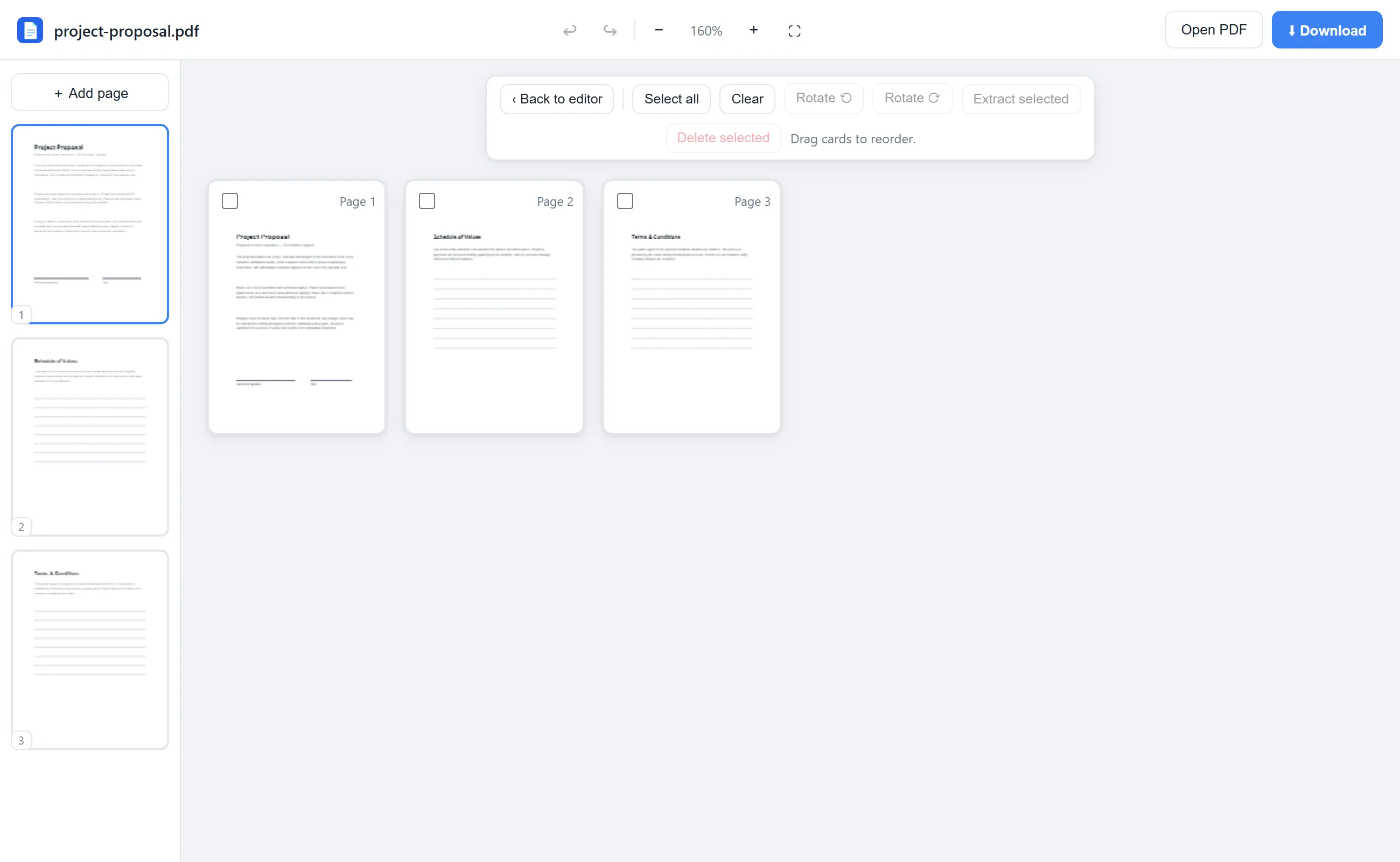
Every page becomes a draggable thumbnail card. Drag them into the right order, rotate the sideways ones, drop the extras — then download.
🔒 Everything runs locally in your browser — your file is never uploaded.
Prefer step-by-step instructions? Read how to rearrange pages in a pdf.
How it works
- 1
Open the PDF
Drag your file onto editfreepdf.com.
- 2
Open the Rearrange view
Click Rearrange in the toolbar — every page appears as a thumbnail card.
- 3
Drag pages into order
Drag any card to a new position. You can also rotate, delete or extract selected pages here.
- 4
Download
Click Download for the reordered PDF — quality untouched.
See it in action
The actual editor — no install, it runs right in your browser.
Why use EditFreePDF?
See every page
A visual grid of thumbnails makes it obvious what order things are in — no guessing by page number.
True drag & drop
Grab a page and drop it where it belongs. The sidebar thumbnails support drag-reordering too.
Fix everything in one pass
Rotate sideways scans, delete blank pages and pull out extracts without leaving the view.
Frequently asked questions
How do I change the page order of a PDF?
Open it in EditFreePDF, click Rearrange, and drag the page thumbnails into the order you want. Download when it looks right.
Can I move a page to a completely different position?
Yes — drag it anywhere in the grid; the other pages shift automatically.
Does reordering lose quality?
No. Pages are moved losslessly; text stays sharp and selectable.