100% free · No sign-up · No watermarks · No uploads
Password Protect a PDF — Free
Add strong AES-256 encryption to any PDF so it can only be opened with your password. The encryption runs on your device — the unprotected file never travels anywhere.
🔒 Everything runs locally in your browser — your file is never uploaded.
Prefer step-by-step instructions? Read how to password protect a pdf.
How it works
- 1
Open the PDF
Drag the document you want to lock into the editor.
- 2
Set a password
Click Password → Add password and enter the password readers will need.
- 3
Download the protected copy
A new AES-256-encrypted PDF downloads. The original stays untouched on your device.
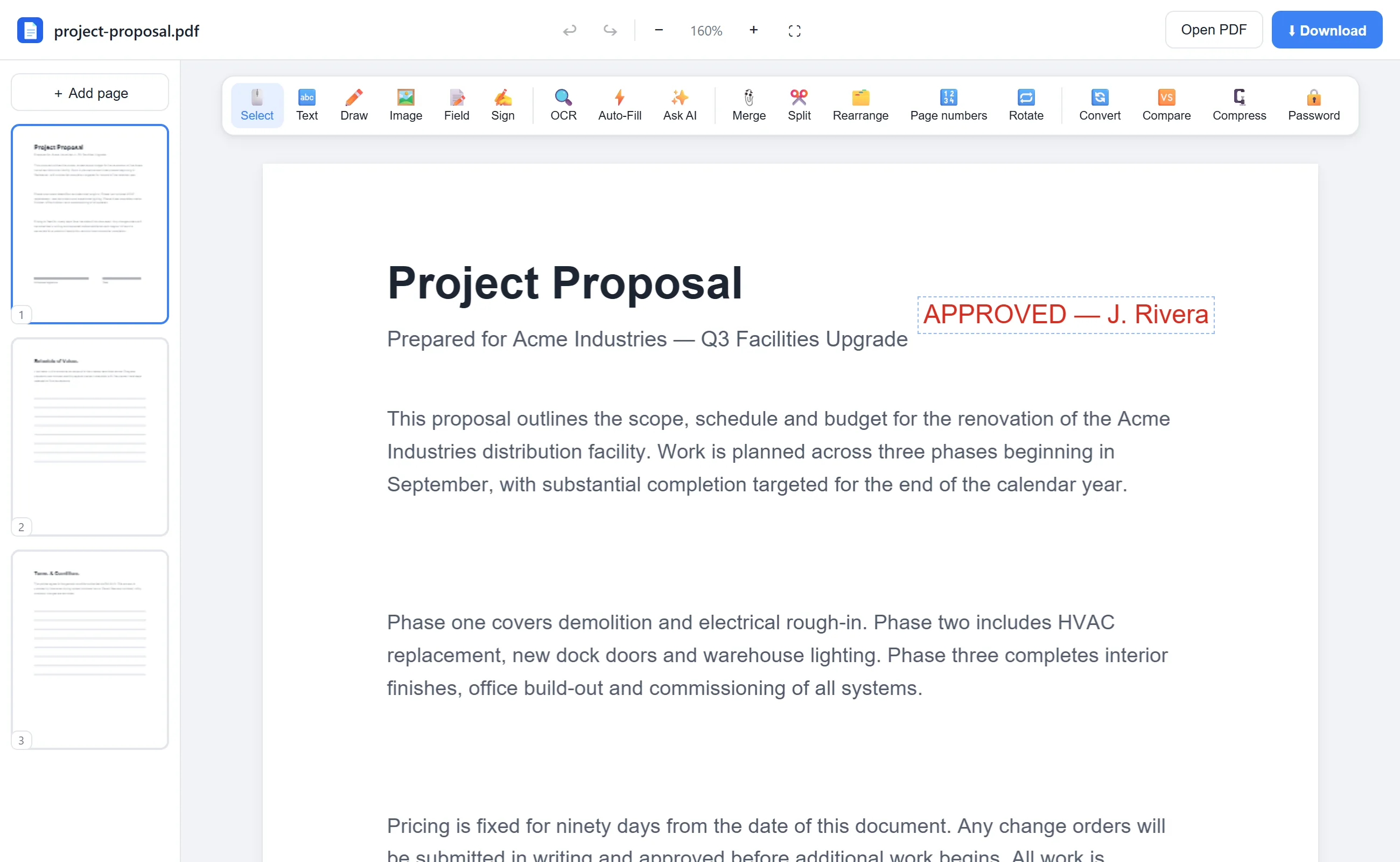
See it in action
The actual editor — no install, it runs right in your browser.
Why use EditFreePDF?
Real AES-256 encryption
The same encryption standard used by banks — applied by the open-source qpdf engine compiled to WebAssembly.
Encrypted locally
Most sites make you upload the unprotected file first, which defeats the point. Here it never leaves your machine.
Free, no strings
No account, no watermark, no trial. Protect as many documents as you need.
Frequently asked questions
How strong is the protection?
Files are encrypted with 256-bit AES, the current PDF standard. Without the password, the contents can't be read.
Can I remove a password later?
Yes — use our free Unlock PDF tool with the current password to save a decrypted copy.
Is my password sent anywhere?
No. The password and the file are processed entirely in your browser.