100% free · No sign-up · No watermarks · No uploads
Sign a PDF Online — Free
Draw your signature with a mouse, trackpad or finger — or upload an image of it — and place it on any page. Free, private, watermark-free.
🔒 Everything runs locally in your browser — your file is never uploaded.
Prefer step-by-step instructions? Read how to sign a pdf online for free.
How it works
- 1
Open the document
Drag your PDF into the editor. Contracts, leases, offer letters, tax forms — anything.
- 2
Create your signature
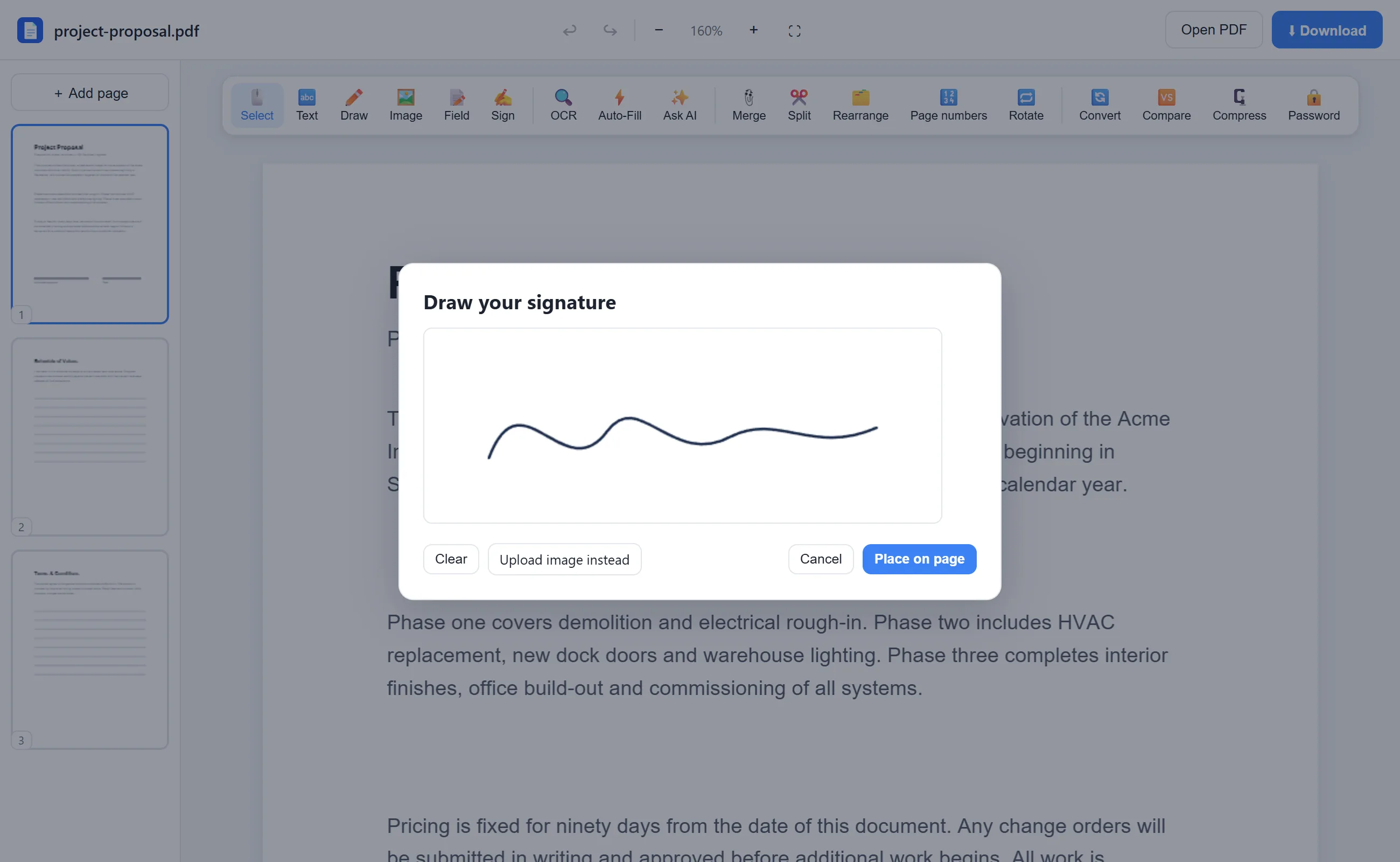
Click Sign, then draw your signature on the pad or upload a photo of it. It stays only in your browser.
- 3
Place, resize, download
Drop the signature exactly where it belongs, resize it to fit the line, and download the signed PDF.
See it in action
The actual editor — no install, it runs right in your browser.
Why use EditFreePDF?
Draw or upload
Sketch a signature with any pointing device, or upload a PNG/JPG of your real signature for a perfect look.
Fill the form too
Add dates, names and checkmarks with the Text and Field tools before you sign — everything in one place.
Signatures stay private
Your signature and document are processed locally and never uploaded — safer than emailing a scan.
Frequently asked questions
Is it free to sign a PDF here?
Yes — signing is completely free, with no document limits and no watermark on the output.
Is this a legally binding e-signature?
A drawn or image signature is a simple electronic signature, widely accepted for everyday agreements. For regulated workflows that require certificate-based digital signatures with audit trails, use a dedicated e-signature service.
Can I sign on my phone or tablet?
Yes. The editor works in mobile browsers — draw your signature with your finger and place it on the page.