100% free · No sign-up · No watermarks · No uploads
OCR a Scanned PDF — Free
Turn scans and photos into searchable, copyable text with built-in OCR. An invisible text layer is added over the scan — the page looks identical, but now you can search, select and copy.
🔒 Everything runs locally in your browser — your file is never uploaded.
Prefer step-by-step instructions? Read how to make a scanned pdf searchable.
How it works
- 1
Open the scanned PDF
Drag the scan into the editor — receipts, contracts, book pages, faxes, photographed documents.
- 2
Run OCR
Click OCR, pick the language (English, Spanish, French, German and more), and run it. Recognition happens on your device.
- 3
Download the searchable PDF
Download a PDF that looks exactly the same but is now searchable and copyable. Optionally export the recognized text as .txt too.
See it in action
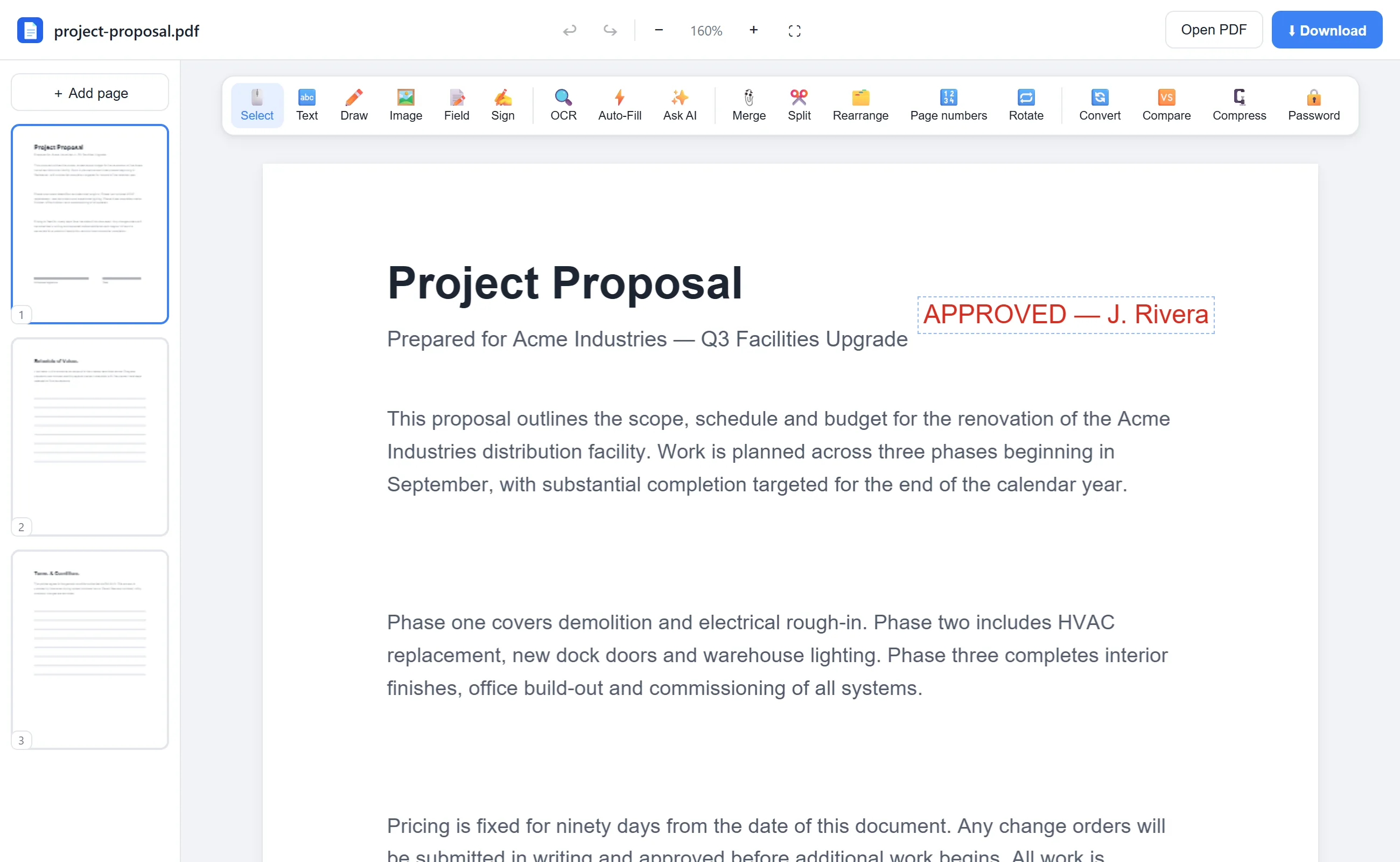
The actual editor — no install, it runs right in your browser.
Why use EditFreePDF?
Truly free OCR
Most sites lock OCR behind a paid plan. Here it's free, unlimited, and powered by the open-source Tesseract engine.
Scans never leave your device
OCR runs in your browser via WebAssembly — critical for medical records, IDs and financial documents.
8 languages
English, Spanish, French, German, Italian, Portuguese, Dutch and Polish recognition out of the box.
Edit after OCR
Once recognized, add text, highlights and signatures on top of the scan like any other PDF.
Frequently asked questions
What is OCR?
OCR (optical character recognition) reads the pixels of a scanned page and converts them into real text, so the document becomes searchable, selectable and copyable.
Is this OCR really free and unlimited?
Yes. There are no page limits, daily caps or paid tiers. The OCR engine downloads once into your browser and runs locally.
How accurate is it?
Clean, well-lit scans at normal font sizes recognize very accurately. Handwriting, low-resolution photos and unusual fonts reduce accuracy.