Free · No sign-up · No watermark · No upload
How to Rearrange Pages in a PDF
To rearrange pages in a PDF for free, open it in EditFreePDF, click Rearrange, and drag the page thumbnails into the order you want. Download the reordered PDF — free, lossless, and processed entirely in your browser without uploading the file.
Tool details: Rearrange PDF Pages
How to Rearrange Pages in a PDF — step by step
- 1
Open the PDF
Drag your file onto editfreepdf.com.
- 2
Open the Rearrange view
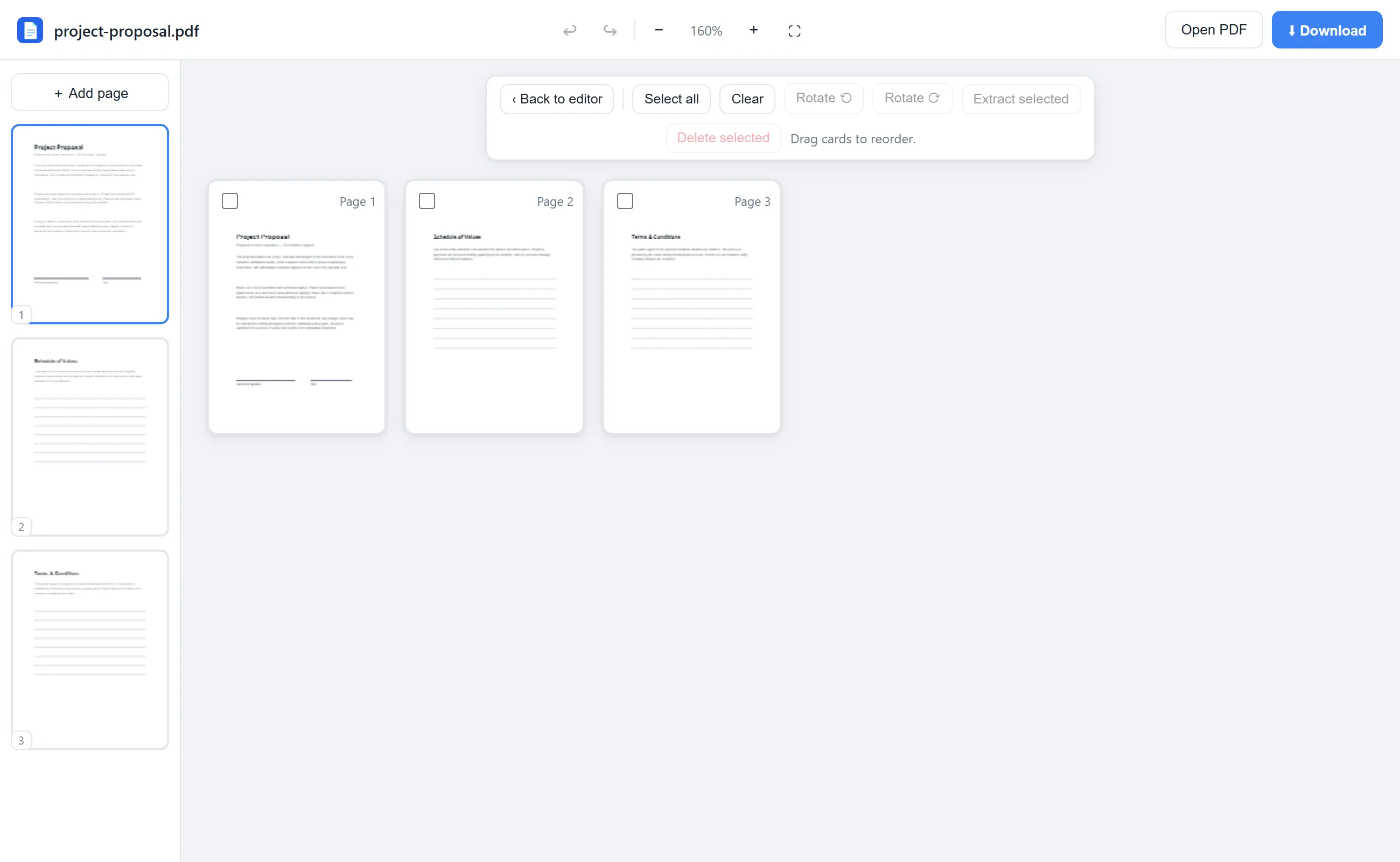
Click Rearrange in the toolbar. Every page appears as a thumbnail card in a grid.
- 3
Drag pages into place
Grab any page and drop it where it belongs — the rest shift automatically. You can also rotate or delete pages here.
- 4
Download
Click Download; the new page order is saved into the file.
See it in action
The actual editor — no install, it runs right in your browser.
What you can do with EditFreePDF
- Reorder any number of pages by drag & drop
- Reorder from the sidebar thumbnails too
- Rotate and delete while you reorder
- Extract a subset of pages as a new PDF
- Undo any change with Ctrl+Z
All of it free — no account, no watermark, no upload. Your file is processed locally in your browser.
Frequently asked questions
How do I move a page in a PDF?
Open the PDF in EditFreePDF, click Rearrange, and drag that page's thumbnail to its new position. Then download.
Can I move multiple pages at once?
Drag pages one at a time for precise placement — or extract a selection into its own PDF and merge it back where you need it.
Does reordering change quality?
No. Pages are copied losslessly into the new order; nothing is re-rendered.